
Thesis
Optimizing the Workflow of an ERP System
Redesign of Sulzer’s internal ERP system, SAMT, with a strong focus on improving usability and user experience. Over five months, I applied a user-centered design process based on ISO 9241-210 to systematically improve the application across three iterations.
Duration
6 months
Focus
User-Centered Design, Usability Testing
Tools
Adobe Xd, Adobe illustrator, Matomo
About SAMT
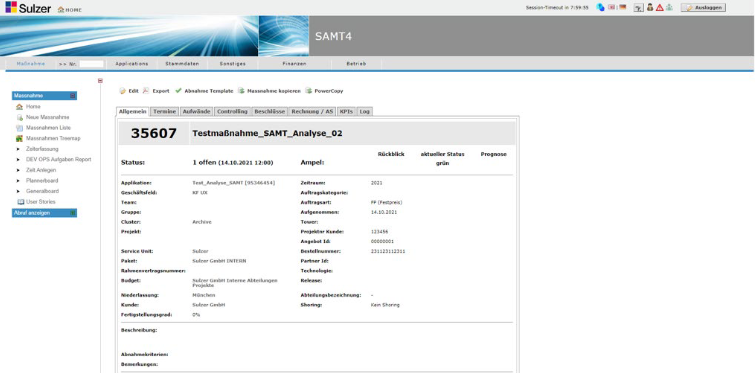
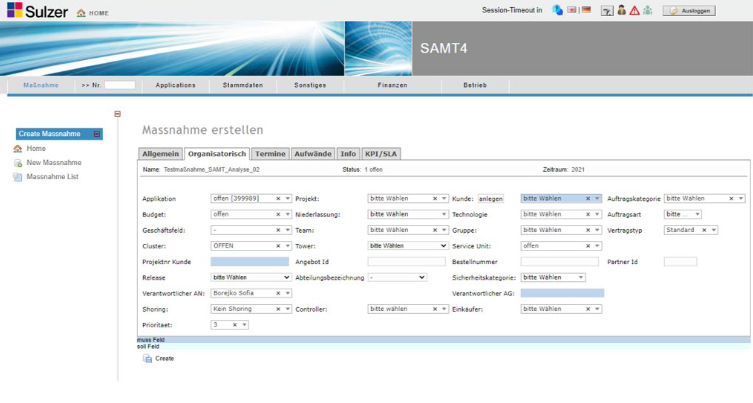
Sulzer’s SAMT (Sulzer Auftragsmanagement Tool) was originally developed as a temporary solution to improve order management between Sulzer, suppliers, partners, and clients. Today, it is used exclusively internally and has evolved into the company’s ERP system. However, years of unstructured development without a focus on UX and usability have resulted in an outdated interface, cumbersome interactions, and low user acceptance.
Understanding the Problem
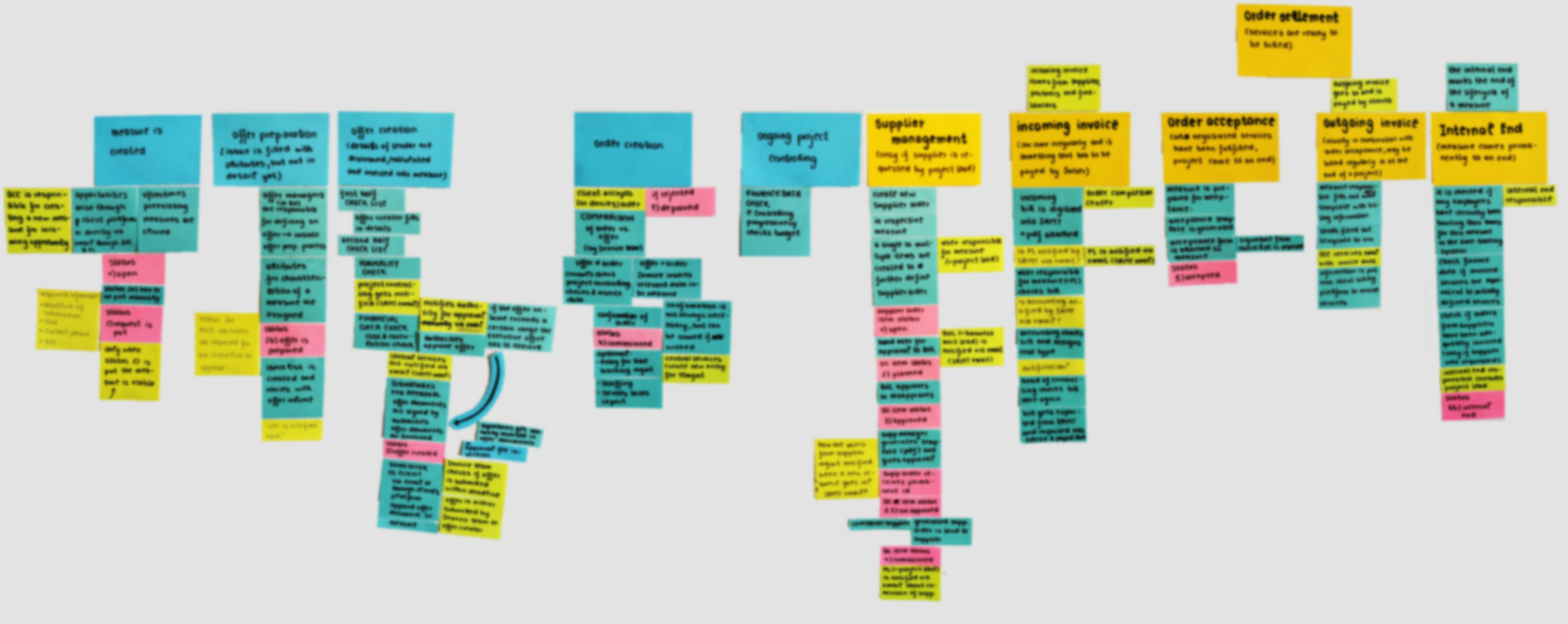
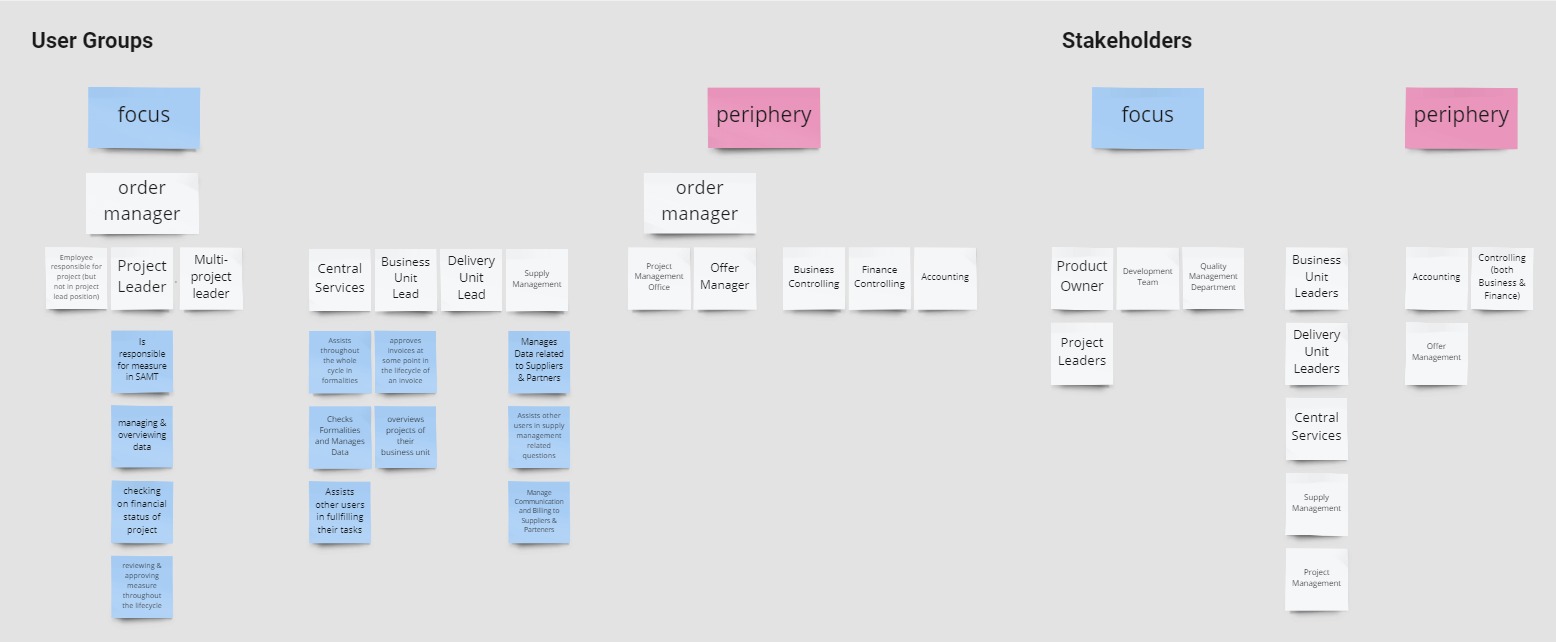
The application of the User-Centered Design process requires the project team to have a profound understanding of the users, their tasks, and the context of use. For this, I conducted seperate interviews with business controlling, process ownesr, central services, partner/supplier management, and project management office. The interviews served to create an overview over all processes that are happening inside SAMT.
Order managers emerged as the largest user group and the one struggling most with SAMT. Follow-up interviews helped uncover their core pain points and define the focus of the redesign.
Core Issues
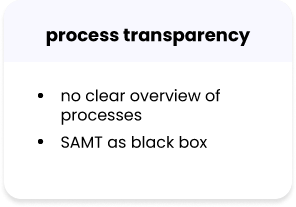
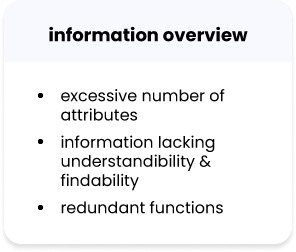
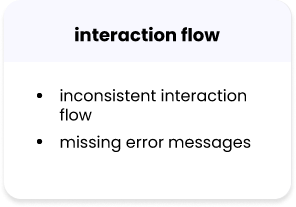
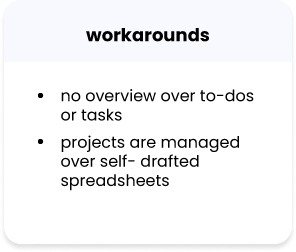
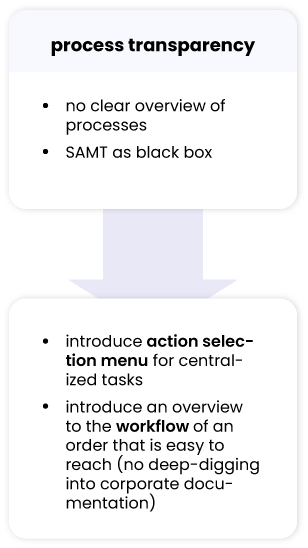
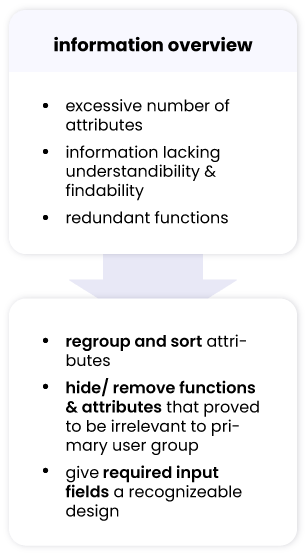
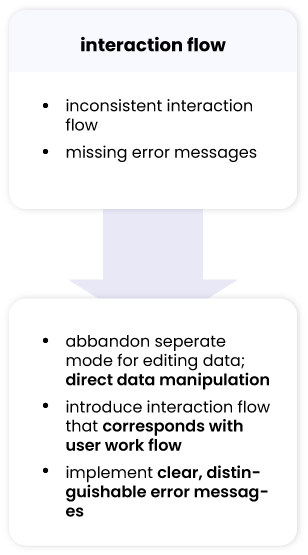
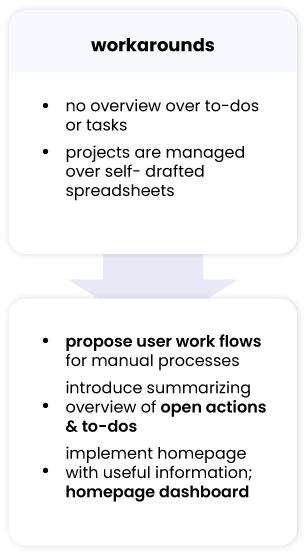
This revealed four recurring problems:
Action Selection Menu
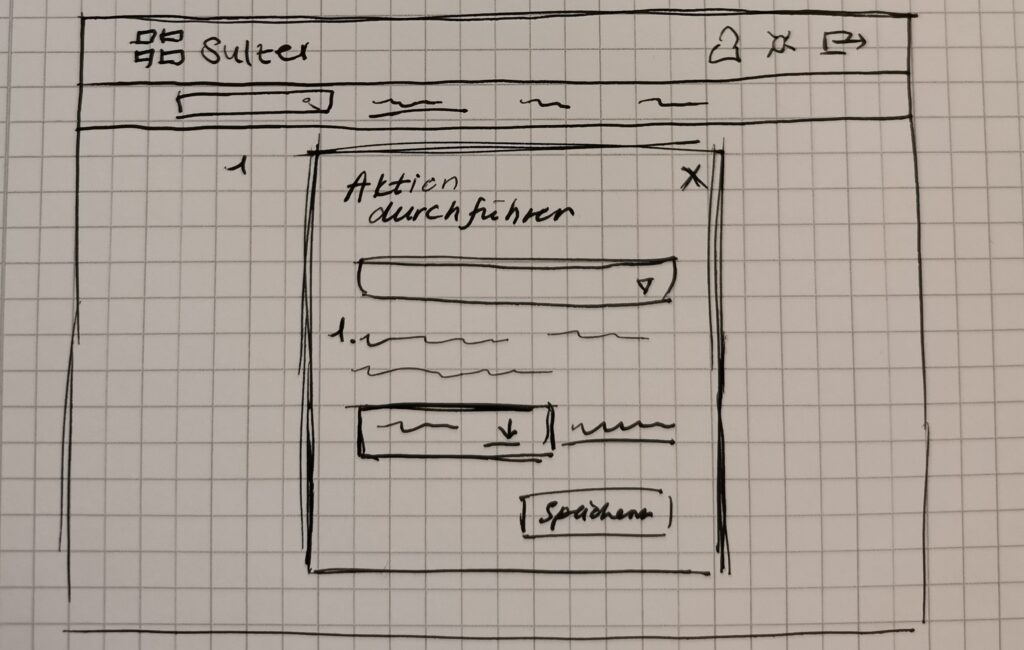
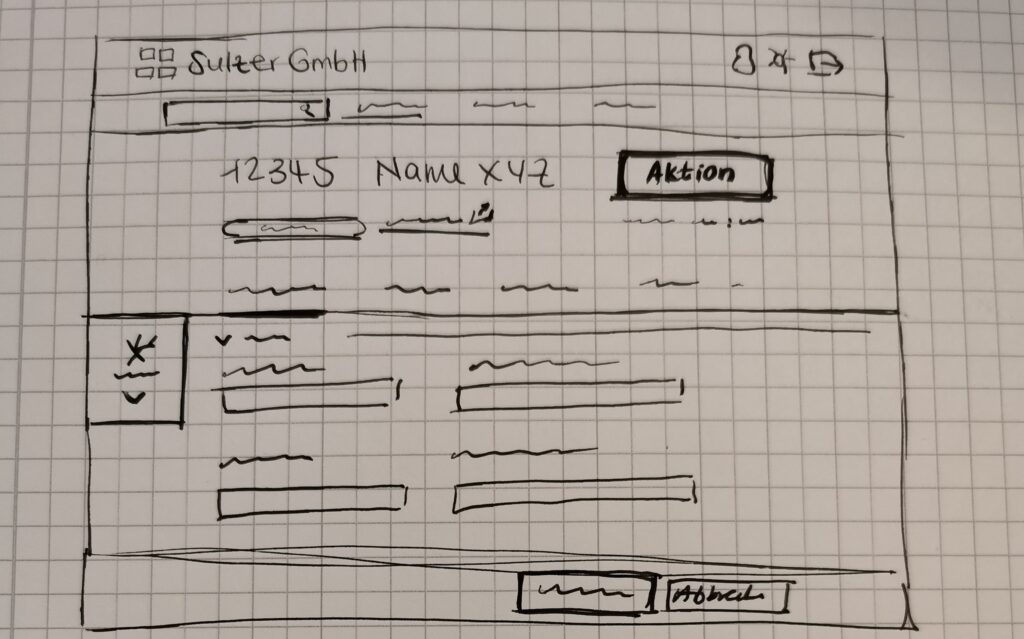
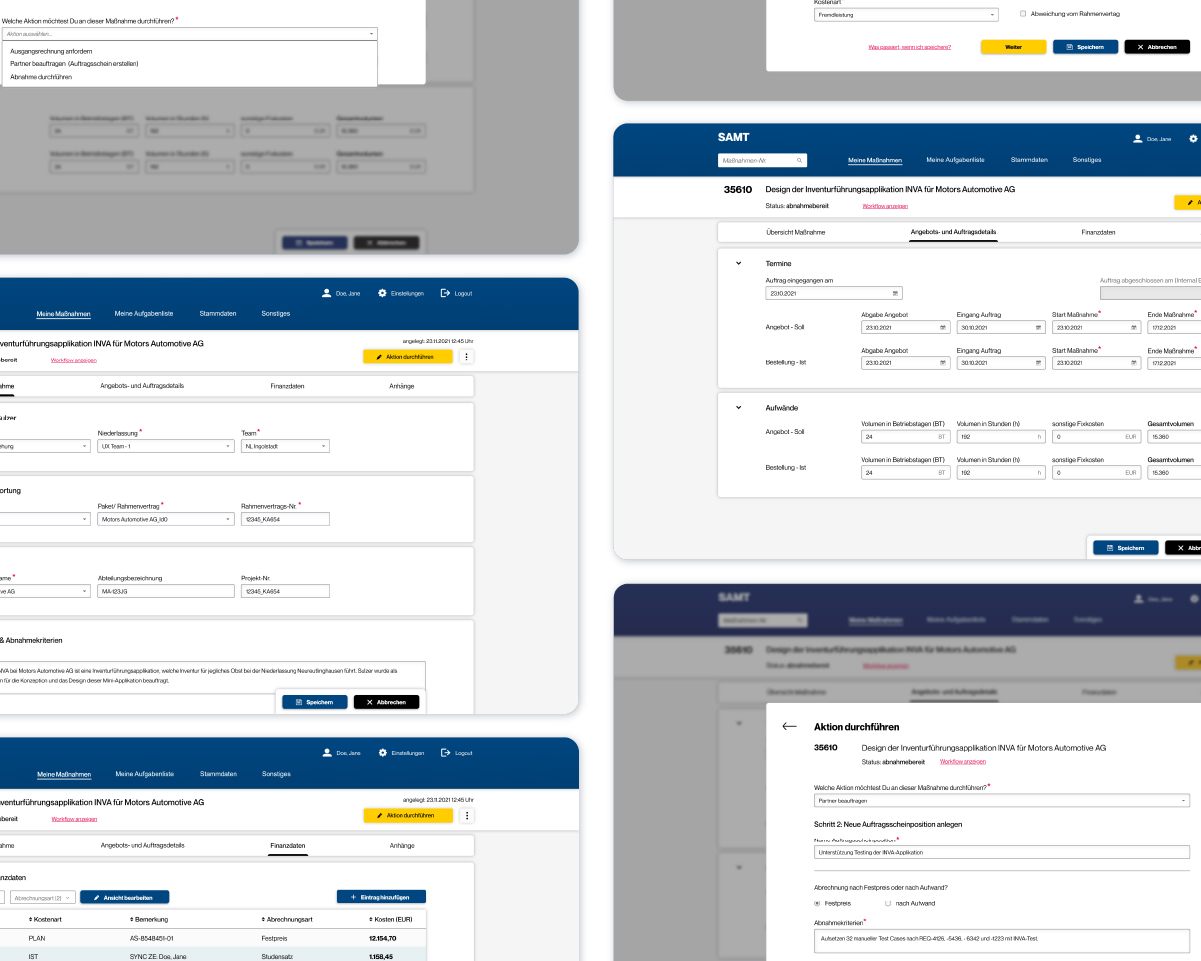
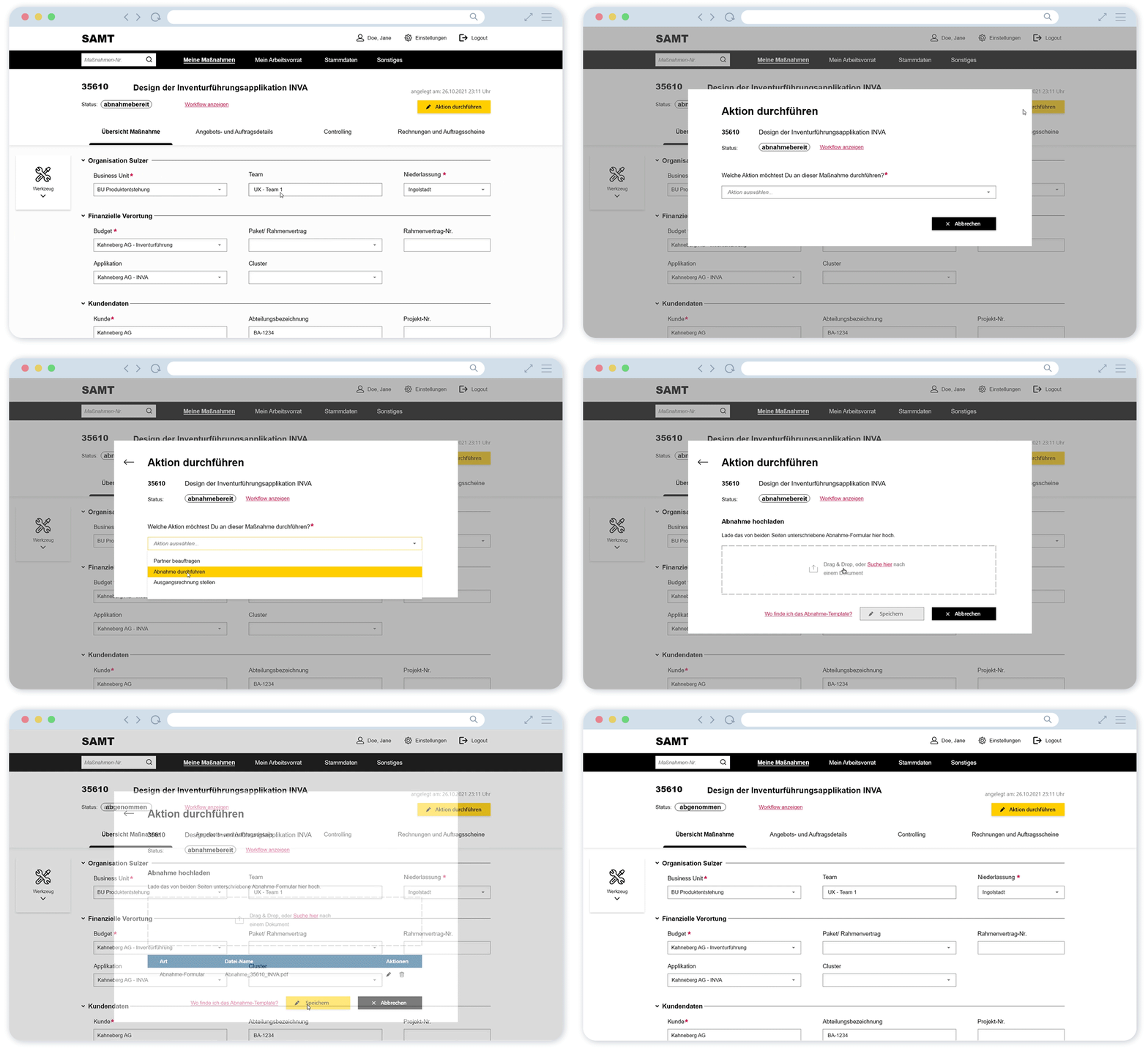
One of the biggest issues was that users had to find their tasks across different parts of SAMT. I introduced a new concept called Actions: tasks became explicit objects within an order and were gathered in a central action selection menu.
This gave users a clearer overview of what they could do, what was still open and how their actions affected the order process.
Iterative testing
From there, I iteratively refined the interface and interaction patterns based on user feedback.
Together with recruited users, we examined each design solution and evaluated each implemented user requirement. The user tests were conducted online with an Adobe Xd click-dummy. The evaluations allowed me to test my assumptions and discover problems in the interaction flow and usability. Gradually, the design moved toward a solution that met the users needs.
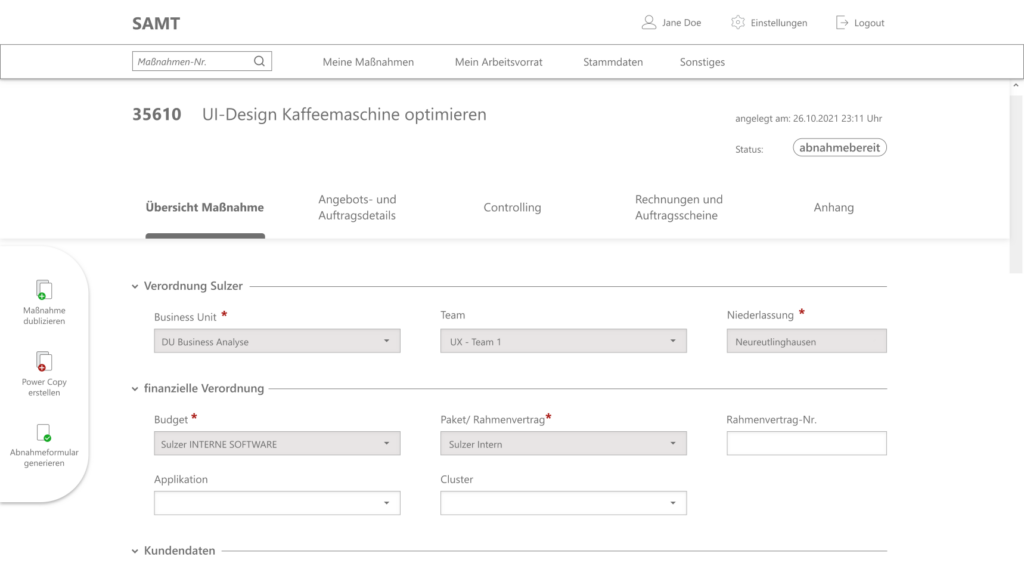
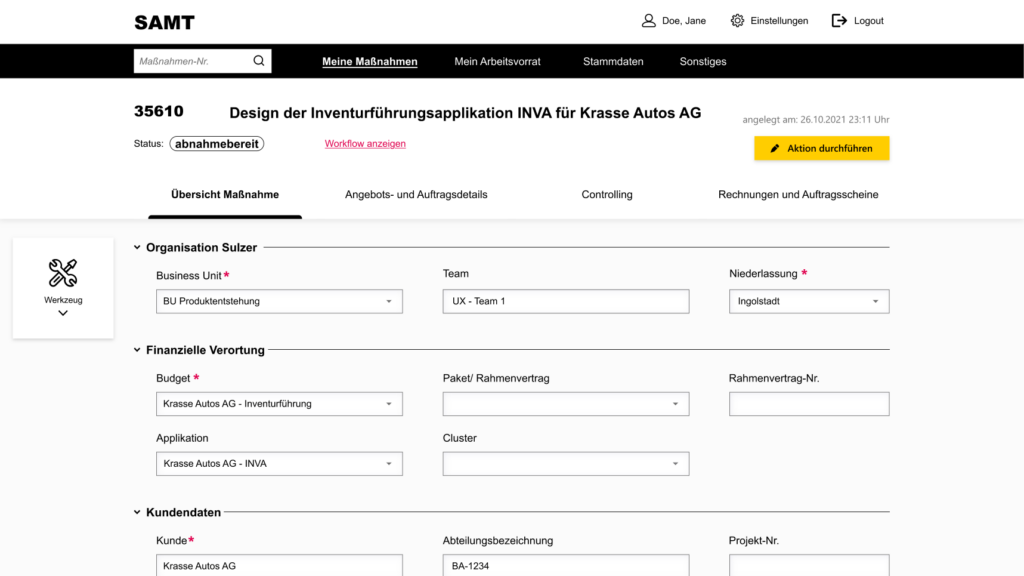
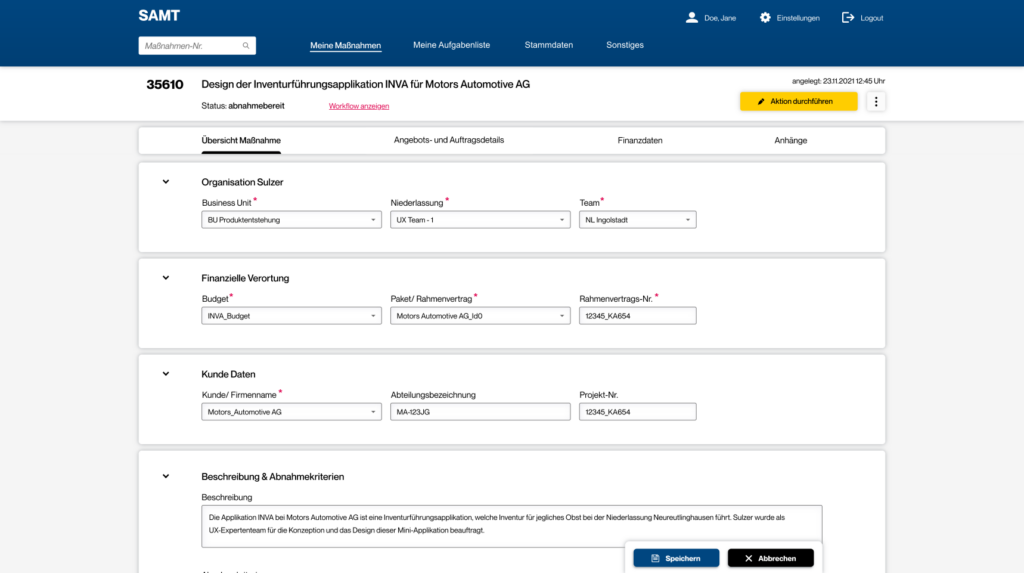
Final results
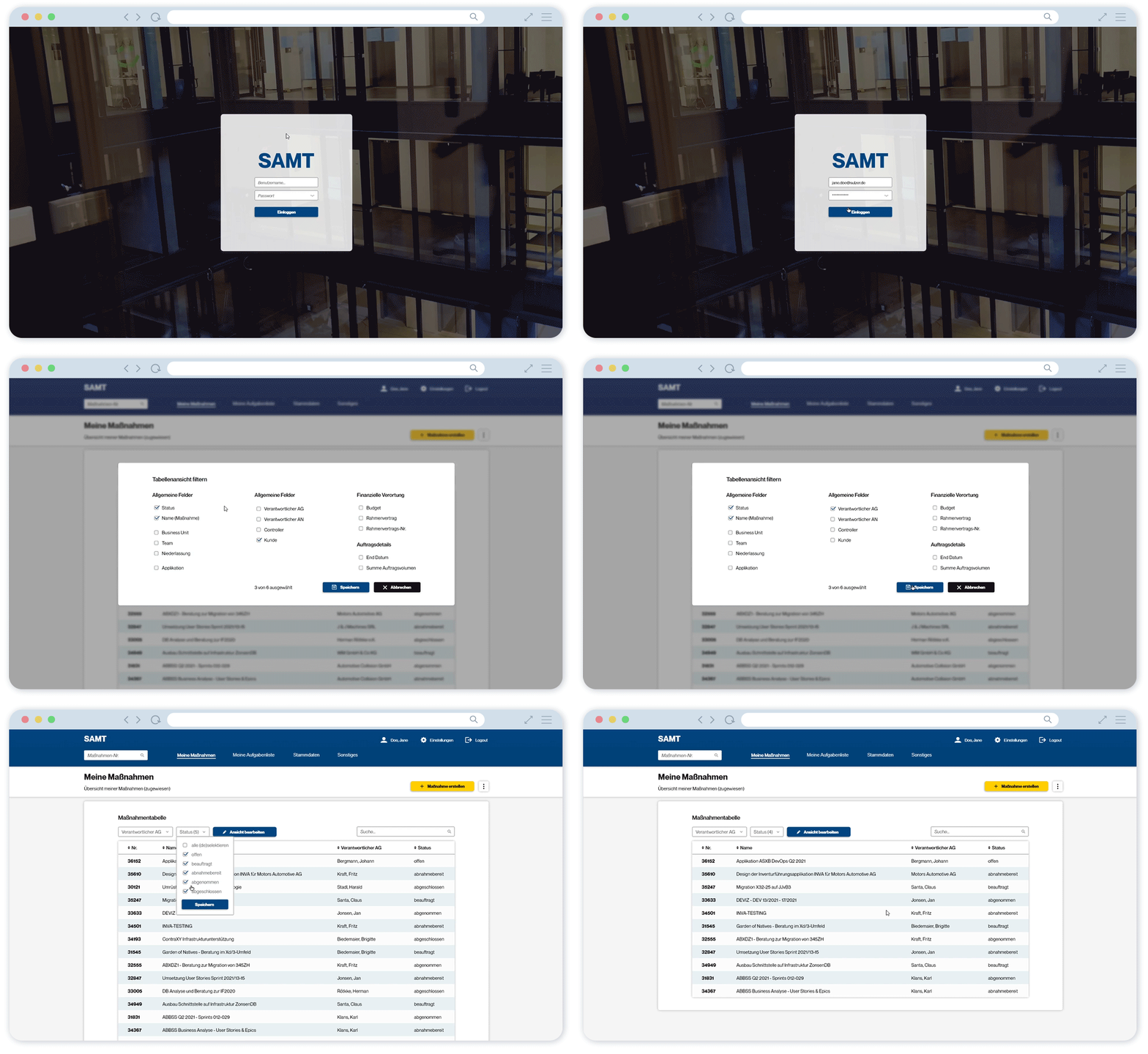
Along the iterations, user requirements were implemented and core issues were addressed. For the third design of the user interface, the corporate identity of Sulzer GmbH was used even more strongly. Thus, a uniform image with the remaining applications of the Sulzer system landscape was created.
Usability testing results
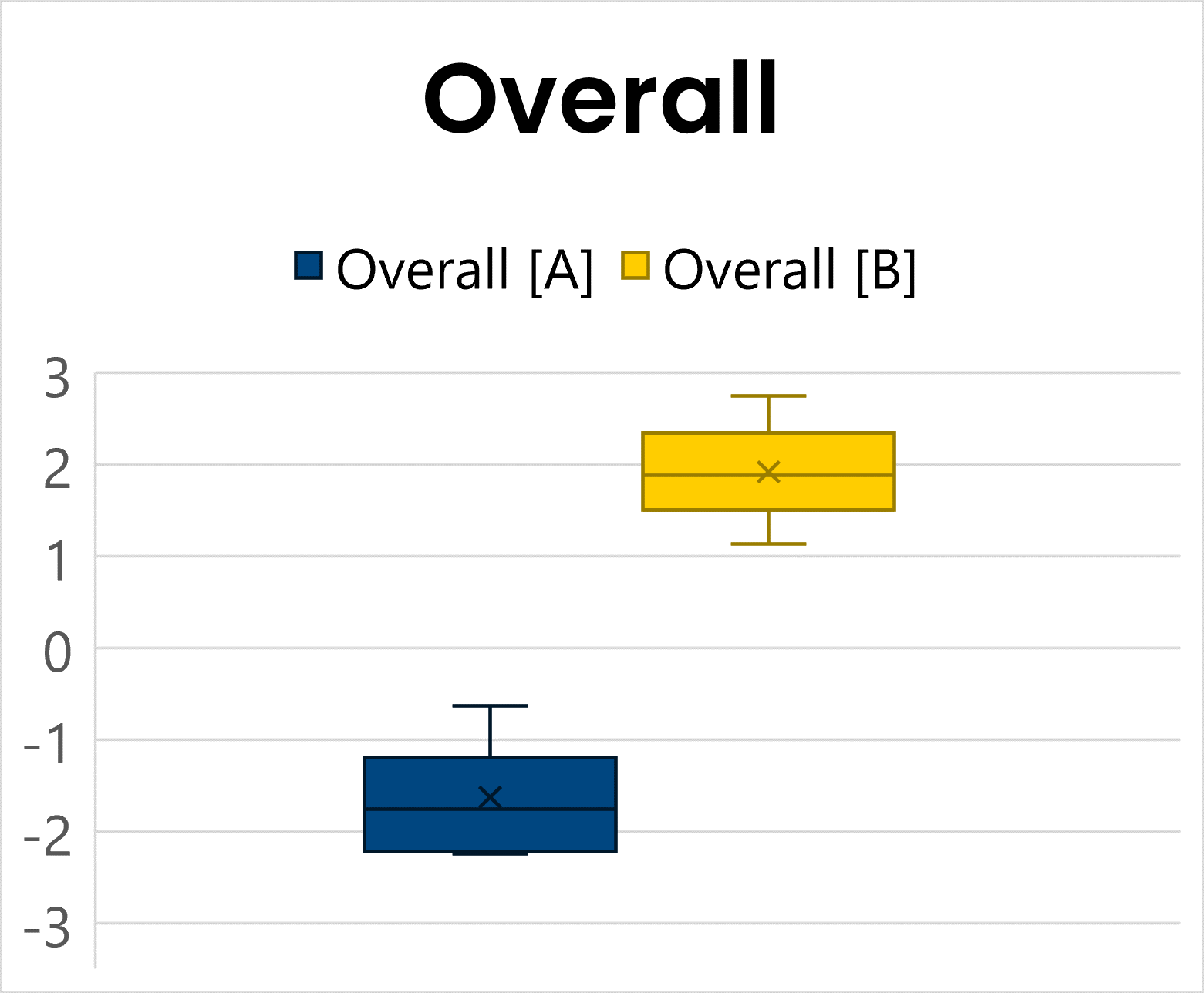
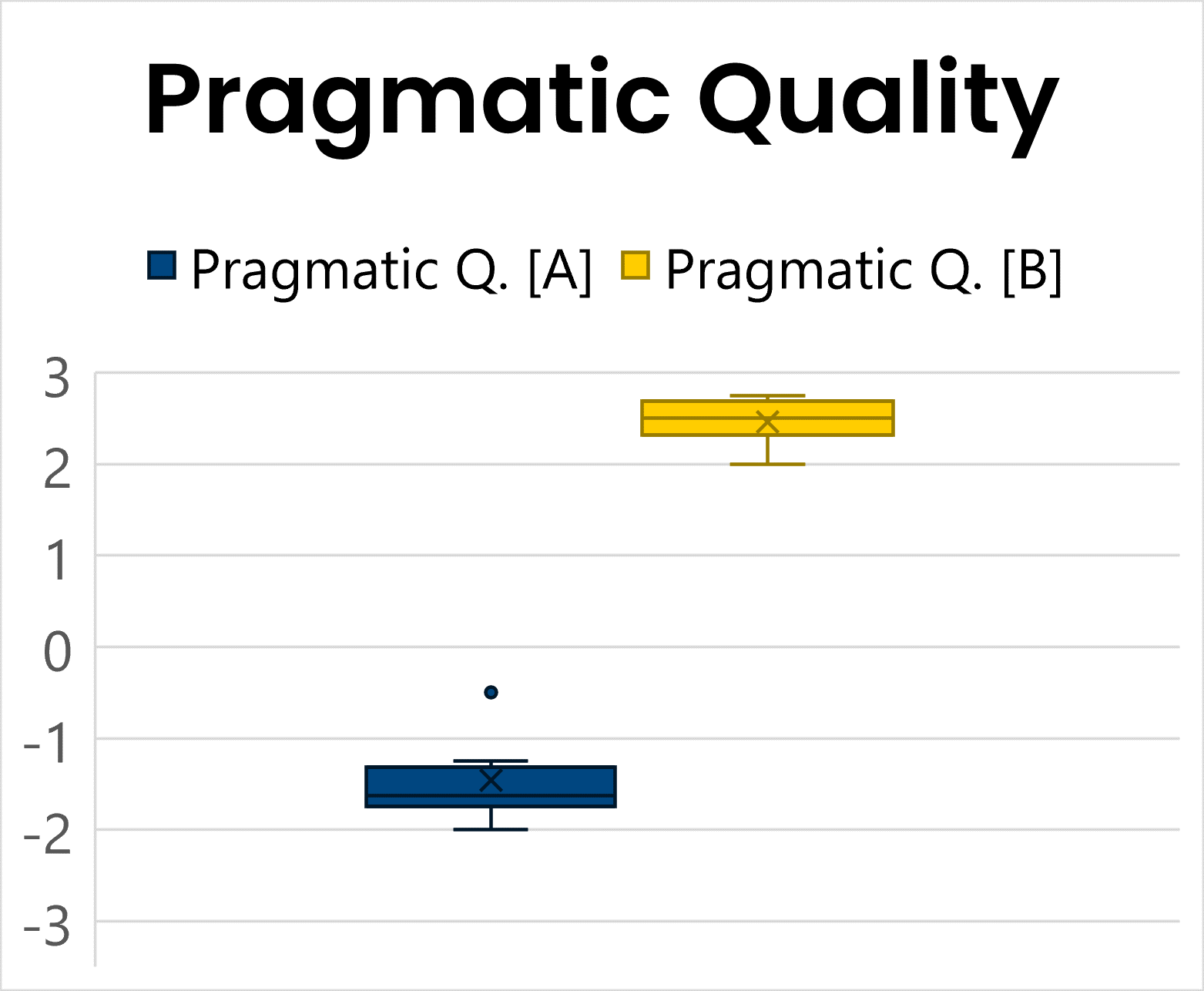
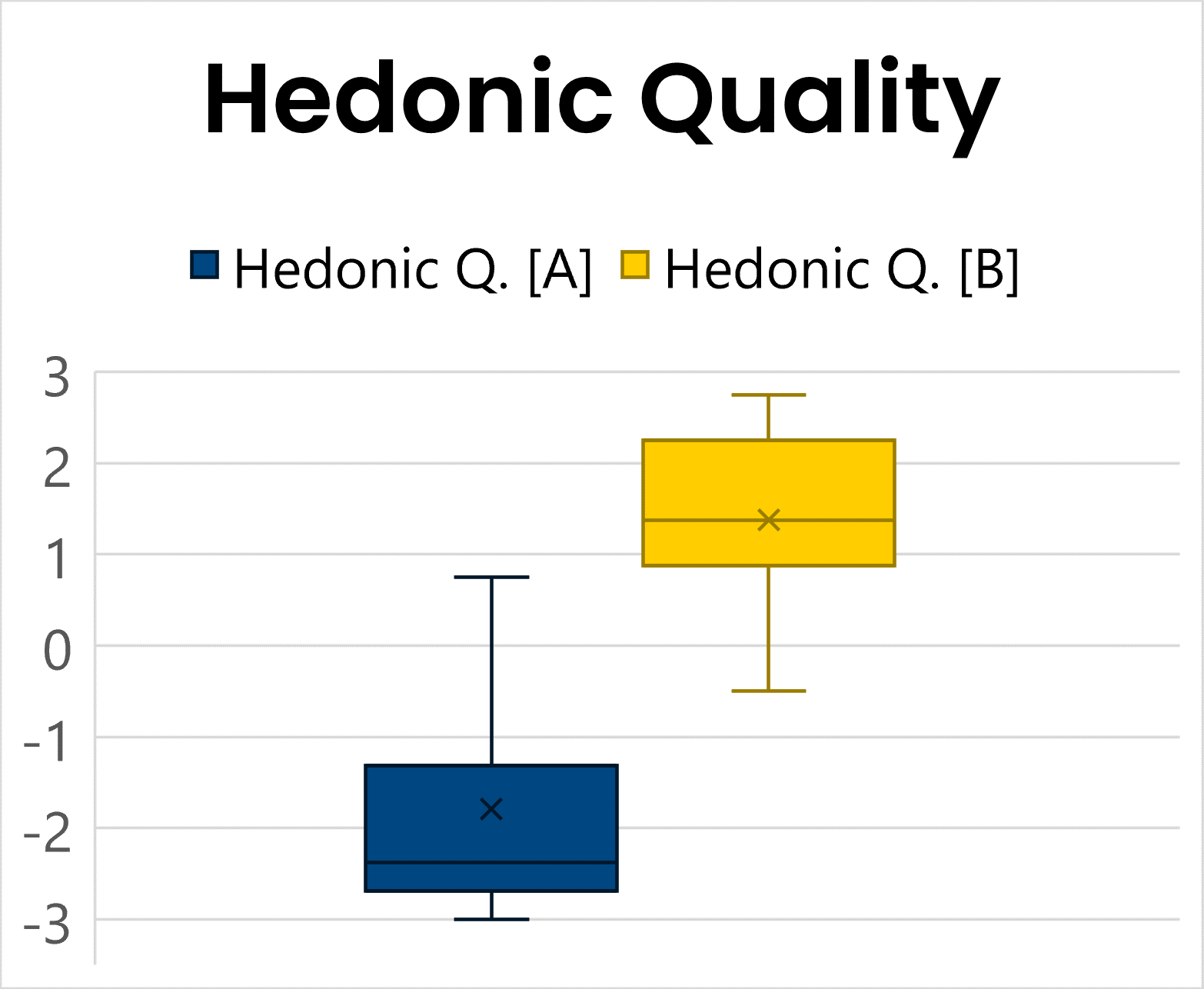
After the third iteration, I conducted a formative evaluation to assess the new design against the existing application using an A/B test, UEQ-S, and usability testing with SUS. The evaluation achieved a SUS score of 90.7, indicating excellent usability, while qualitative feedback helped identify remaining usability issues.
Retrospective
Despite the short timeframe and complexity of the Sulzer ERP system, the project achieved significant improvements. Users responded positively to the new action model, particularly regarding greater process transparency. The formative evaluation confirmed improvements in both user experience and usability, demonstrating the potential for meaningful change even within a complex ERP system. While further opportunities for improvement remain across other user groups and stakeholders, the project showed that focused UX efforts can have a significant impact.